> For the complete documentation index, see [llms.txt](https://docs-jmapserver-lima.k2geospatial.com/llms.txt). Markdown versions of documentation pages are available by appending `.md` to page URLs; this page is available as [Markdown](https://docs-jmapserver-lima.k2geospatial.com/e/applications/jmap-pro-user-guide/tools/information/geometry-information.md).
# Geometry Information
This tool allows you to obtain information on the geometry of the map's elements. The information varies according to the type of geometry (point, line, polygon, etc.) and the number of selected elements. Select one or more elements on the map and click on the button for this tool.
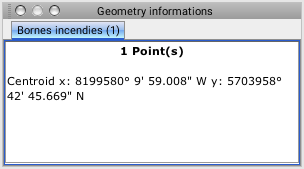
The figure shows the geometry information on a single map element:
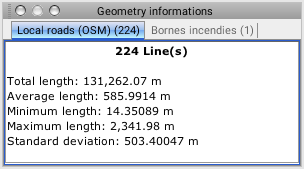
The figure shows the geometry information on multiple map elements: