> For the complete documentation index, see [llms.txt](https://docs-jmapserver-lima.k2geospatial.com/llms.txt). Markdown versions of documentation pages are available by appending `.md` to page URLs; this page is available as [Markdown](https://docs-jmapserver-lima.k2geospatial.com/e/applications/jmap-pro-user-guide/tools/snap.md).
# Snap
Most of the tools for drawing map objects (measurement tools, selection tools, editing tools, etc.) can be used with the snap function, which snaps the pointer to existing elements. This is useful to measure the exact distance between two elements, for example.
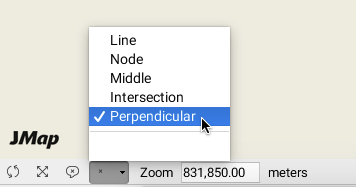
The menu found on the status bar of the map displays the parts of elements on which you can snap the pointer.
Press the arrow to open the menu and select by checking the snap options.
Click on  to enable the snap feature. The icon goes dark.
Press the icon again to disable the function. Your snap options remain selected.
## **Line**
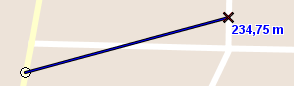
You can snap the pointer to the closest line on the map. The black x indicates the snap position.
## **Node**
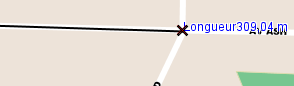
You can snap the pointer to the closest node on the map.
## **Middle**
This option allows you to snap the pointer in the middle of a line or of a polygon's segment.
## **Intersection**
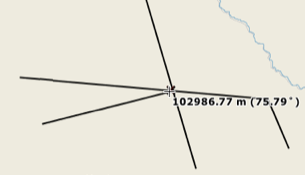
This option allows you to snap the pointer at the intersection of two lines.
## **Perpendicular**
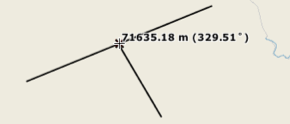
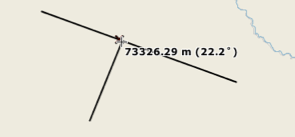
This option allows you to snap the pointer to a line or polygon segment perpendicularly.